
How to link domains to countries
Connect domains to specific countries
How it works:
Step 1: Add the domain in the control panel
Before you can connect a domain to a country, it must be added to the store.
- Go to Configuration > Domain Names in the control panel
- Add the new domain you want to use (e.g.
Step 2: Connect the domain to a country
Once the domain is added, you can assign it to a country. In the same menu, you can connect the country to the desired currency and language. For example, you can connect Sweden to , SEK and Swedish.
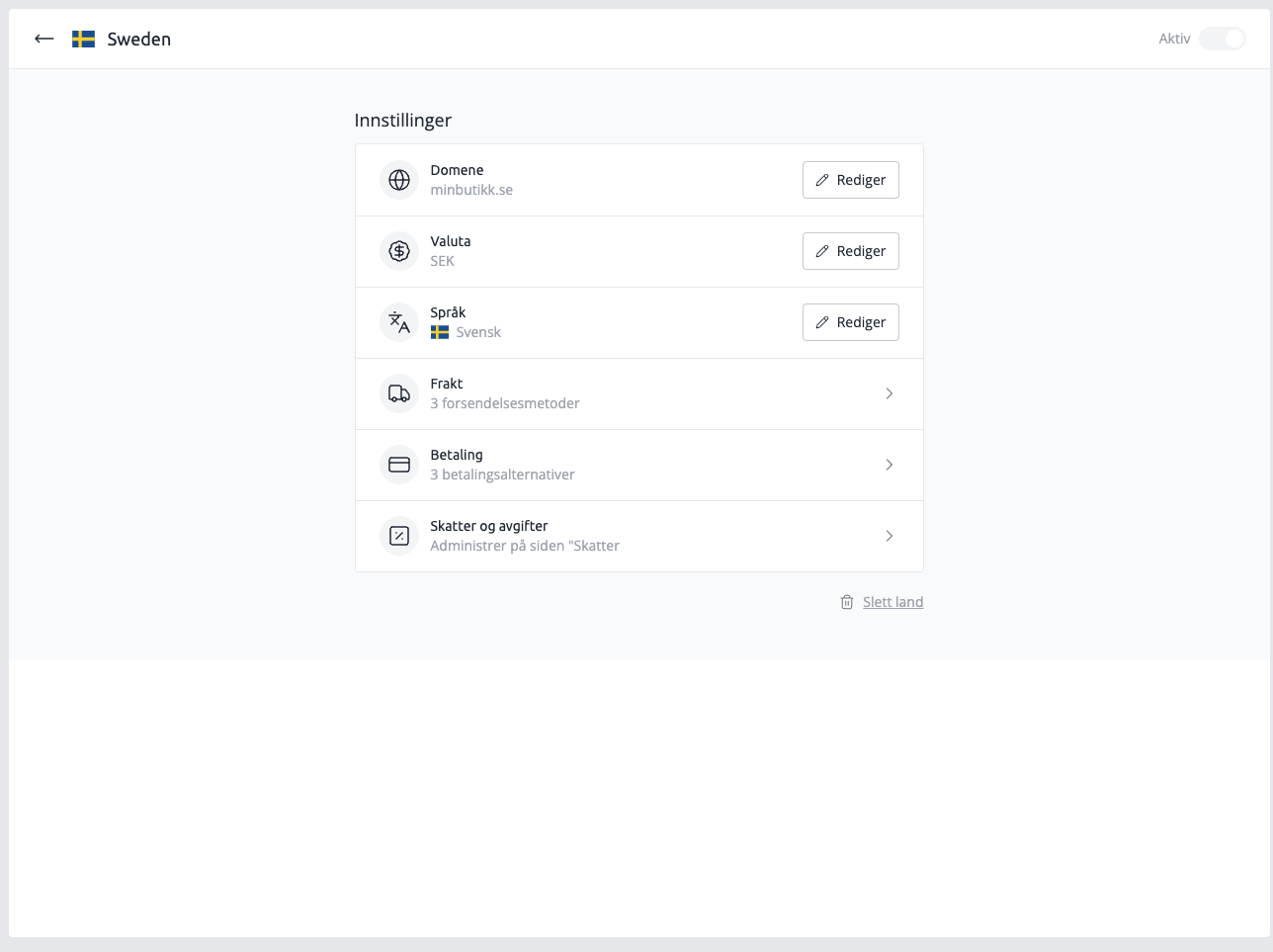
Multilingual store without multiple domains
You do not need to purchase separate domains for each country to have a multilingual online store. The system automatically solves this by creating separate addresses for each language on your main domain.
This is done by adding a separate subfolder in the address for each language. This is done automatically when selecting the language for the country.
Example:
- Norwegian (default):
www.dinbutikk.no - English:
www.dinbutikk.no/en - Swedish:
www.dinbutikk.no/sv
This is the simplest and most common way to handle multiple languages.
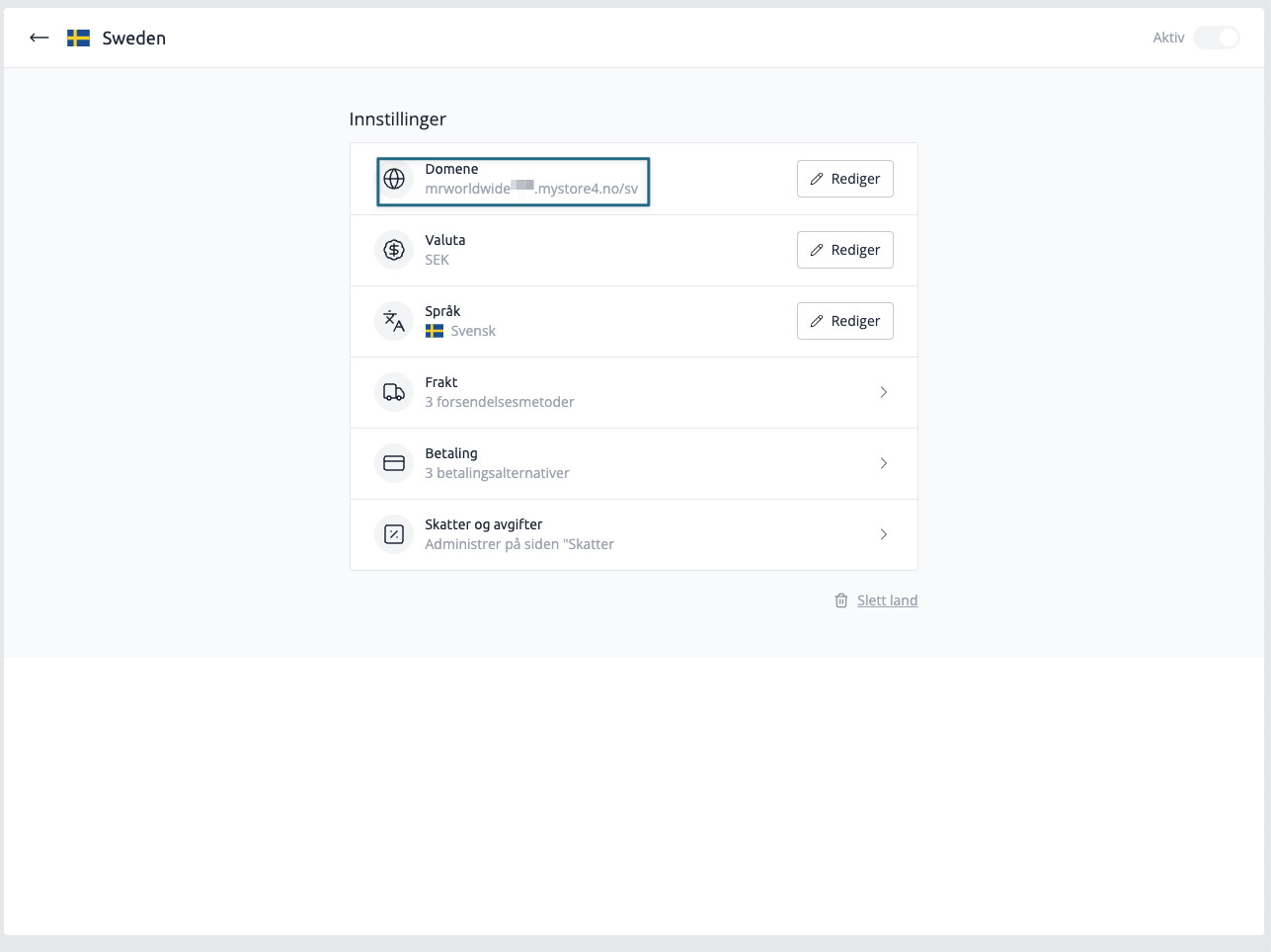
No matter how you choose to use domains, the result will be the same. When a customer from Sweden visits , they will encounter a Swedish version of the store with prices in SEK. The customer gets a seamless and local experience, which can contribute to increased sales.
Important information about translations
Please note that only system texts in the online store are translated automatically. Text fields such as banners, paragraphs, product information, etc. must be translated manually.