
Email templates: Settings, preview and test mail
Global settings
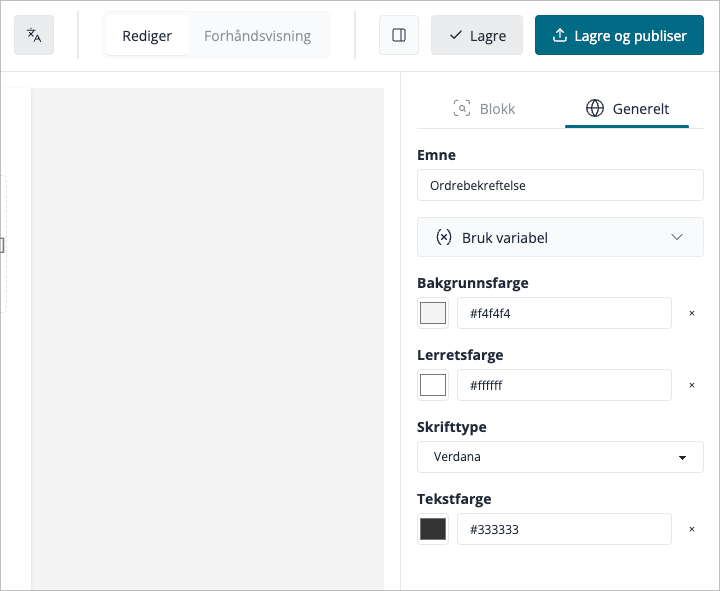
Click Global in the settings panel to change properties that apply to the whole email:
- Background colour — the outer wrapper colour
- Content background colour — the inner content area colour
- Primary colour — accent colour used by buttons and links
- Font family — the main typeface for all text blocks
Previewing your email
Toggle between Desktop and Mobile preview using the buttons above the canvas. This shows how the email will look on different screen sizes.
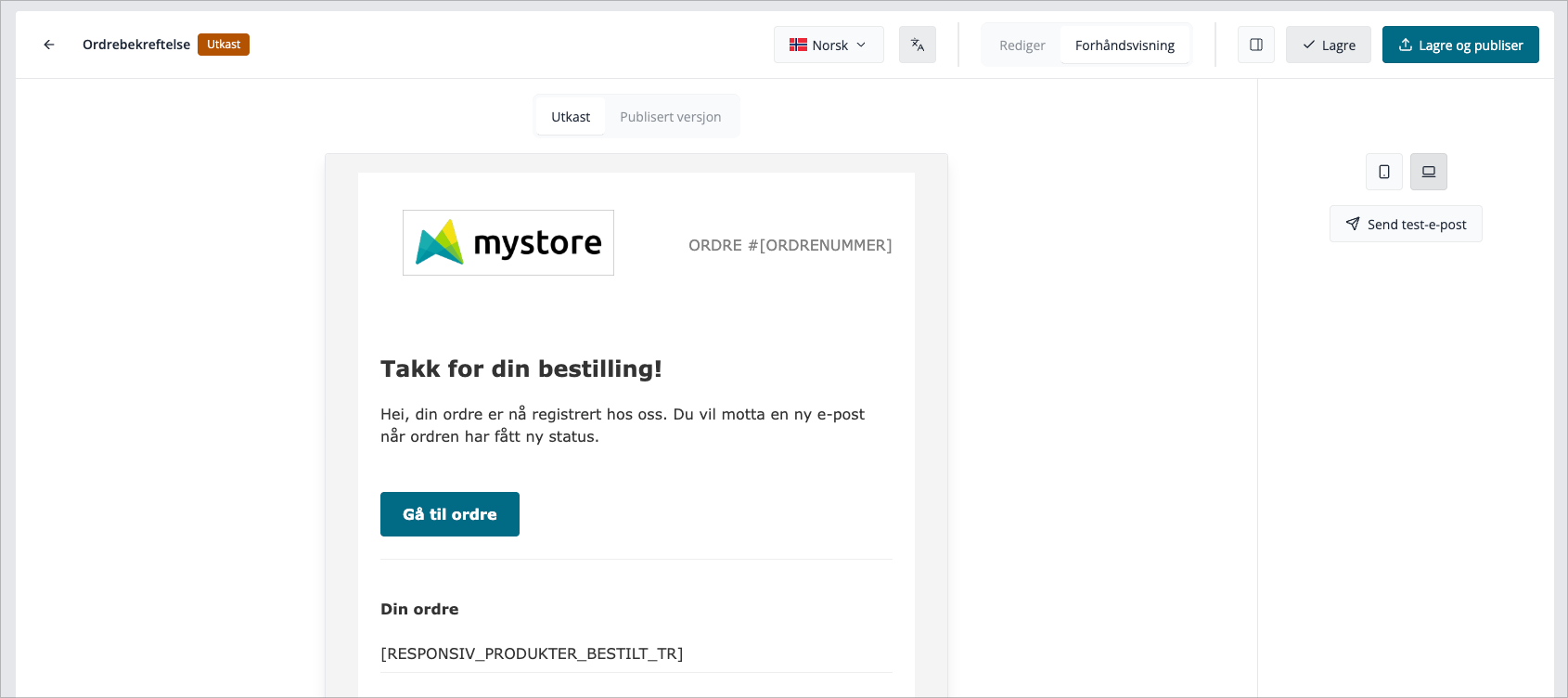
Sending a test email
Before publishing, send a test to yourself:
- Click the Send test button in the top toolbar.
- Enter your email address.
- Click Send.
The test email arrives with placeholder values filled in where possible, so you can check formatting and layout in a real inbox.