
Section: General product info
The section "General product info" allows you to add tabs with product description, display of quantity discount, extra products, etc.
Available blocks
The blocks below can be added to the "General product info" section and allow you to display product info in addition to extra info such as products, text, and discount.
Tabs Block
Tabs are the main section for the product description. Add tabs and enable long product description to display the entire product description.
- Convert tabs to accordion: Each tab is displayed as an accordion/collapsible section below each other, instead of a horizontal list of tabs.
- Close tab on first load: All tabs are closed by default when the product page is loaded.
- Show Lipscore widget: If the customer uses Lipscore for product reviews, a separate tab with available reviews will be displayed.
- Show Lipscore Questions and Answers: If the customer uses Lipscore's "Questions and Answers" feature, a separate tab will be displayed.
In addition to the options above, the "Tab" block will also display any custom tabs, info about quantity discount, and info about the product's manufacturer.
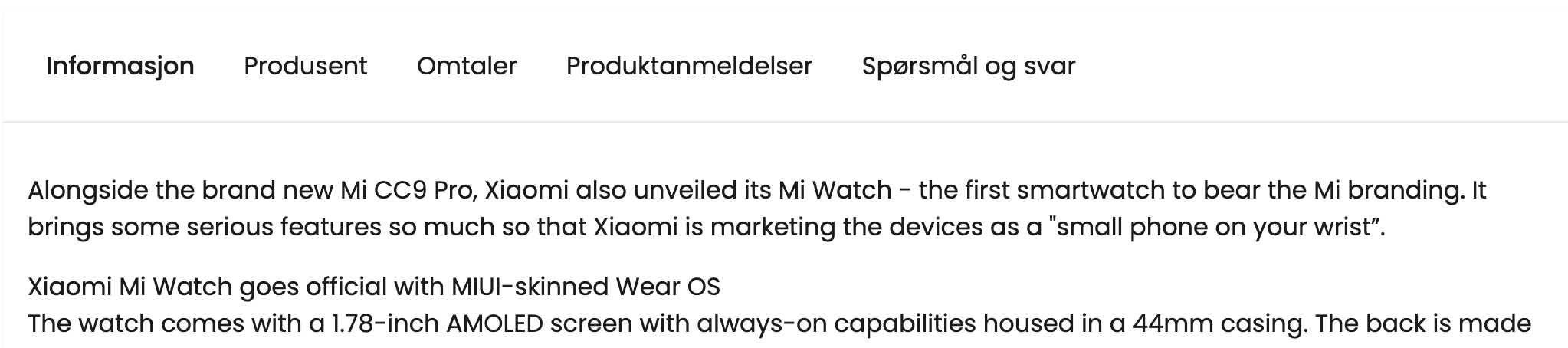
Manufacturer tab
Unless otherwise selected, a tab will be displayed by default, "Manufacturer", which contains name, info, logo, and optionally a link to the manufacturer.
If you do not wish to display a tab with manufacturer info, this must be deactivated in the store's configuration:
- Open Menu > Configuration > General
- Go to the "Appearance" option or search for "Manufacturer"
- Turn off the "Show manufacturer information" option - the manufacturer tab is now hidden.
Display of quantity discount Block
A separate block to display a table with quantity discounts.
Note that this will be in addition to a separate tab for quantity discount if this setting is active.
To check if the display of quantity discount (as a tab) is active, follow the steps below:
- Navigate to "Your extensions" and search for "Discount Center"
- Open extension settings
- Check if the "Show quantity discount info" setting is enabled or disabled:
- Active: shows quantity discount info on product page
- Disabled: does not show quantity discount info on product page
Other blocks
The section has, in addition to the blocks above, also support for the following blocks:
- Heading: Add your own optional heading. This is intended as a heading above other blocks, such as "Products"
- Paragraph: Text paragraph with custom text.
- Products: Display a row of product selection
- New products
- Discounted products
- Featured products
- Related products
- Crall: Display supported Crall product recommendation